Clear answers before you click
What is a call bomber simulator?
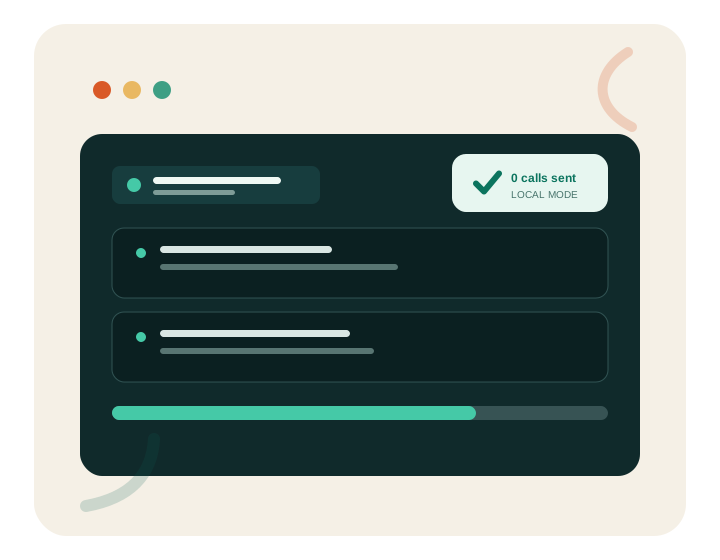
A call bomber simulator is a visual demonstration that recreates the rhythm, progress indicators, and event log people may associate with an automated calling interface. The important word is simulator. A responsible simulator does not dial a number, does not use a voice-over-IP provider, does not trigger missed calls, and does not ask a remote service to act on the user’s behalf. It is closer to a flight simulator on a screen than to an aircraft in the sky: the interface can feel convincing while the real-world action never happens.
Call Bomber.io was built around that separation. The page accepts a valid-format Indian mobile number only so the animation can display a masked label such as “••••••3210.” JavaScript running in the current tab creates each line in the demo log. There is no submit destination, account, message queue, call provider, contact import, or hidden background process. Close or refresh the page and the temporary state disappears.
That makes the tool suitable for UI demonstrations, security-awareness conversations, creative mock-ups, and harmless entertainment between people who understand what they are seeing. It is not suitable for pretending that a real person is under attack, frightening someone, disrupting work, or encouraging harassment. A believable animation still deserves honest context.
Three transparent steps
How the safe call simulation works
You should never need to guess what an online tool does with a phone number. Here is the complete flow.
-
01
Your input is checked locally
The browser removes spaces and non-numeric characters, then checks for a ten-digit Indian mobile format beginning with 6, 7, 8, or 9. The check is a convenience for a realistic display, not a lookup. The tool cannot tell whether a number exists or who owns it.
-
02
The visible label is masked
Only the last four digits appear in the event log. Masking reduces unnecessary exposure if someone looks over your shoulder or records the animation. Because the page uses no browser storage, the full input is not kept for a future visit.
-
03
Timed events appear on screen
A short timer adds one local log item at a time and advances a progress bar. The Start and Stop controls affect only that animation. There is no call request behind the button, and completion means the selected number of visual items was rendered—not that any phone was contacted.
Privacy and consent first
Why a real call bomber is not a harmless prank
Repeated unwanted calls or messages can stop someone from using their phone normally. They may interrupt emergency communication, work, study, sleep, or access to account verification. The recipient may pay roaming or data charges, feel threatened, or believe an important contact is trying to reach them. Even when the sender describes the act as a joke, the impact belongs to the recipient.
Real call flooding may also violate telecom terms, platform rules, privacy expectations, or local law. Services that promise anonymous or unlimited calls often create additional risk: they can collect the number you enter, log your IP address, sell browsing data, push unsafe downloads, or redirect you through deceptive advertisements. A polished button is not proof that a service is trustworthy.
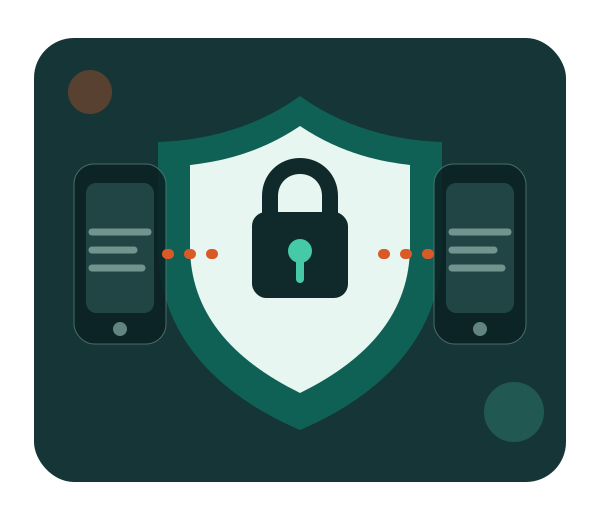
Our design removes the risky capability instead of asking people to use it responsibly. The simulator cannot reach a phone. It provides a clear status line, a visible limit, a stop button, a masked label, and repeated disclosure that the experience is fictional. Those are product boundaries, not just fine print.
- No telecom or messaging integration
- No contact permissions or device dialler access
- No account creation, history, or saved targets
- No promise of anonymous real-world action
Responsible entertainment
Good uses for a browser-only call animation
A safe simulator is useful when the visual experience itself is the goal. A product designer can test the spacing of a compact event log. A video creator can capture a fictional control panel without exposing a real number. A teacher can show students how interface language may make a risky service sound ordinary. A parent can explain why entering a friend’s details into an unknown website is a poor privacy decision. A security trainer can compare transparent and deceptive tool claims.
Friends can also enjoy the animation together when everyone knows it is fictional. Consent changes the experience. Showing a clearly labelled simulator and saying “watch this animation” is very different from telling someone their phone is being attacked. Avoid using screenshots out of context, fabricating threats, or targeting a person who may be anxious about stalking, account security, or harassment.
A quick consent checklist
Before using the demo around another person, ask four questions: Do they understand that it is a simulation? Are they comfortable seeing a partial number on screen? Can they stop the joke immediately? Is the setting appropriate? If any answer is no, choose a different activity. Harmless fun should be easy for everyone to leave.
For creators and reviewers
If you record or review the simulator, keep the safety label visible and use a fictional or personally controlled number. Do not imply that the page performed a real action. Accurate descriptions protect viewers and also make the demonstration more useful: they show that a convincing interface does not prove a backend service exists.
Evaluate before entering data
How to identify a genuinely safe simulator
Use this checklist for call, SMS, chat, notification, and other online simulation tools.
| Check | Safer signal | Risky signal |
|---|---|---|
| Purpose | Clearly says “simulation” near the title and action | Claims to attack, annoy, flood, or bypass consent |
| Data | Explains why input is needed and whether it is stored | Requests contacts, OTPs, passwords, or unnecessary identity details |
| Action | Creates visible effects only inside the current page | Promises real calls or messages through an unknown provider |
| Limits | Uses a small cap and offers an immediate stop control | Promotes unlimited volume, automation, or evasion |
| Trust | Provides About, Contact, Privacy, Terms, and editorial information | Hides ownership, policies, pricing, or what happens after clicking |
A privacy policy is useful only when the product behaviour matches it. Look at what the interface asks you to do, use browser permission prompts carefully, and leave any page that pressures you to install software or disable security warnings.
Designed with Indian users in mind
Using communication simulators responsibly in India
India’s mobile-first internet makes phone numbers central to daily life. People use them for family calls, work, banking alerts, delivery updates, school groups, healthcare, and identity verification. That usefulness also makes a mobile number sensitive. Posting another person’s number publicly or entering it into an unknown service can expose them to spam, social engineering, or unwanted attention.
This simulator displays the +91 context and checks a familiar ten-digit format, but it does not verify ownership, carrier, circle, location, or activity. A format check is not a directory. The safest input is a fictional example or a number you personally control. Never use the page to suggest that you have private information about someone.
If you receive repeated real calls or messages, do not retaliate with another tool. Save relevant evidence, block the sender using your device or carrier features, review account security, and use the reporting options offered by the applicable platform or authority. For immediate danger, contact appropriate local emergency or law-enforcement services. This website cannot investigate calls, identify a sender, recover an account, or provide legal advice.
What this site means by “entertainment”
Entertainment is not a loophole for deception. Here it means a self-contained visual effect that informed people can enjoy without affecting an outside device. The distinction is measurable: zero calls placed, zero messages sent, zero numbers saved. We state those limits beside the tool so a visitor does not need to search the Terms page to understand the core behaviour.
Know the limits
What the call bomber simulator cannot do
The simulator cannot determine whether a number is active, reveal a subscriber’s name, identify a carrier, locate a phone, read contacts, open the dialler, send an SMS, trigger an OTP, leave voicemail, change caller ID, or hide a real caller. It cannot continue after the tab closes. It does not run in the background, offer an API, or provide a downloadable automation program.
It also cannot guarantee a particular emotional reaction. The animation is deliberately stylised and limited. Browser speed, reduced-motion settings, screen size, and assistive technology may change how the sequence appears. The text status and progress element communicate the same result without relying on motion alone.
Finally, the site cannot guarantee a Google ranking or advertising approval. Search and advertising platforms review many technical, content, traffic, account, and policy signals. We can provide original content, transparent navigation, useful features, and responsible behaviour; decisions and timing remain with those platforms.
Straight answers
Call bomber simulator FAQ
These answers describe the actual product behaviour, not a best-case promise.
Does this website make real phone calls?
No. The simulator only renders an animation inside the current browser tab. It has no calling provider, telecom connection, contact permission, or server endpoint for placing calls.
Is the number I type stored anywhere?
No. The number is used temporarily to label the animation, shown in masked form, and discarded when the page is refreshed or closed. Do not use a number you are not comfortable typing on your own device.
Can I use the simulator on an Android phone or iPhone?
Yes. It works in a modern mobile browser and adapts to a small screen. The page does not request access to the Android or iOS dialler, contacts, notifications, microphone, or camera.
Why is the animation limited to 20 events?
A short cap keeps the experience clear, comfortable, and obviously demonstrative. The product is not designed to reproduce unlimited harassment, even on screen.
Is this an official telecom service?
No. Call Bomber.io is an independent entertainment and education website. It is not affiliated with a mobile carrier, messaging platform, government department, or emergency service.
Can the tool reveal who owns a phone number?
No. There is no directory, reverse lookup, carrier lookup, or identity database. The format check happens locally and cannot confirm that a number exists.
Does using a demo number give permission to contact it?
No contact occurs, and typing a number would not create consent for future contact. Consent must be specific, informed, and connected to the real action being requested.
What should I do if I receive real unwanted calls?
Use device and carrier blocking tools, preserve evidence when appropriate, secure related accounts, and report through the relevant service or authority. Do not share sensitive account data with websites claiming they can trace or retaliate against a caller.
Ready when you are
Try the animation with confidence
You now know exactly what happens: local validation, masked display, short visual sequence, automatic cleanup. Nothing else.